Backup that survives hardware failure, ransomware, and human mistakes.
Cloud Haven Backup automatically protects your documents, photos, videos and business files in encrypted cloud storage — and gets them back in minutes when something goes wrong.
Instant activation after payment. AES-256 encryption in transit and at rest.

Protection that businesses and families rely on every day.
Encrypted backups across Windows, macOS, Android, iPhone and iPad — managed from one console.

One bad day shouldn't cost you years of work.
Hard drives die. Phones get stolen. A single click on the wrong link can encrypt everything. Cloud Haven gives you an unbroken safety net behind every device.
Drives fail without warning. Your files keep going.
A clean, immutable copy is always out of reach of attackers.
Roll any file back to a previous version in seconds.
Restore everything to a new device, encrypted end-to-end.
Set it once. Stay protected forever.
A lightweight agent runs in the background on every device. As files change, encrypted copies are streamed to secure cloud storage — continuously, without slowing you down.
- Continuous data protection — no schedules to manage
- Smart change detection — only what changed is uploaded
- Encrypted before it leaves your device
- Always-on monitoring with alerts when something looks wrong
Six benefits that change how you sleep at night.
Quietly works in the background. Nothing to remember.
Changes are protected as they happen, not once a day.
AES-256 everywhere, end to end.
Recover deleted files, old versions, folders, or full devices.
Restore single files in seconds. Whole devices in hours, not days.
Windows, macOS, Android, iPhone, iPad — under one account.
Your laptop is one coffee spill away. Your memories shouldn't be.
Personal documents, tax records, photo libraries, creative projects — all backed up automatically and recoverable on any new device.


One plan. Every phone, laptop and tablet in the house.
Add family members under one account. Each person keeps their own private backup, with shared visibility for parents — and zero technical setup.
Client files protected by default — so deadlines never depend on luck.
Designs, code, contracts, invoices — quietly backed up while you work. If something happens to your machine, you're back online from any device in minutes.


Centralized backup for every workstation, with the controls IT needs.
Onboard teammates in a few clicks. Apply backup policies organization-wide. See exactly what's protected, what isn't, and who restored what — from one console.
Not a nightly job. A live safety net.
Cloud Haven detects changes as they happen and protects them immediately — so the file you saved 30 seconds ago is already safe.
Lightweight agent watches your folders for changes.
Each change is encrypted on your device with AES-256.
Only modified blocks are uploaded — fast and bandwidth-light.
Every upload is checksum-verified before it's marked safe.
Your data is encrypted before it ever leaves your device.
AES-256 encryption in transit and at rest. Your encryption keys are scoped to your account — Cloud Haven engineers cannot read the contents of your files.
- AES-256 client-side encryption
- TLS 1.3 in transit
- Per-account key isolation
Trust note: Cloud Haven supports compliance efforts. We do not publish specific certifications on this page — see our Security page for current details.

Tier-grade infrastructure. Redundant by design.
Your encrypted backups are written to redundant storage across multiple availability zones. If a disk, a rack — or even an entire zone — goes down, your data does not.
- Multi-zone redundancy
- 24/7 physical and network monitoring
- Hardware-encrypted storage
One account. Every device you own.
Install Cloud Haven on your laptop, your partner's desktop, your phone, your tablet — and see them all in a single dashboard.

The same protection. The right interface for every device.
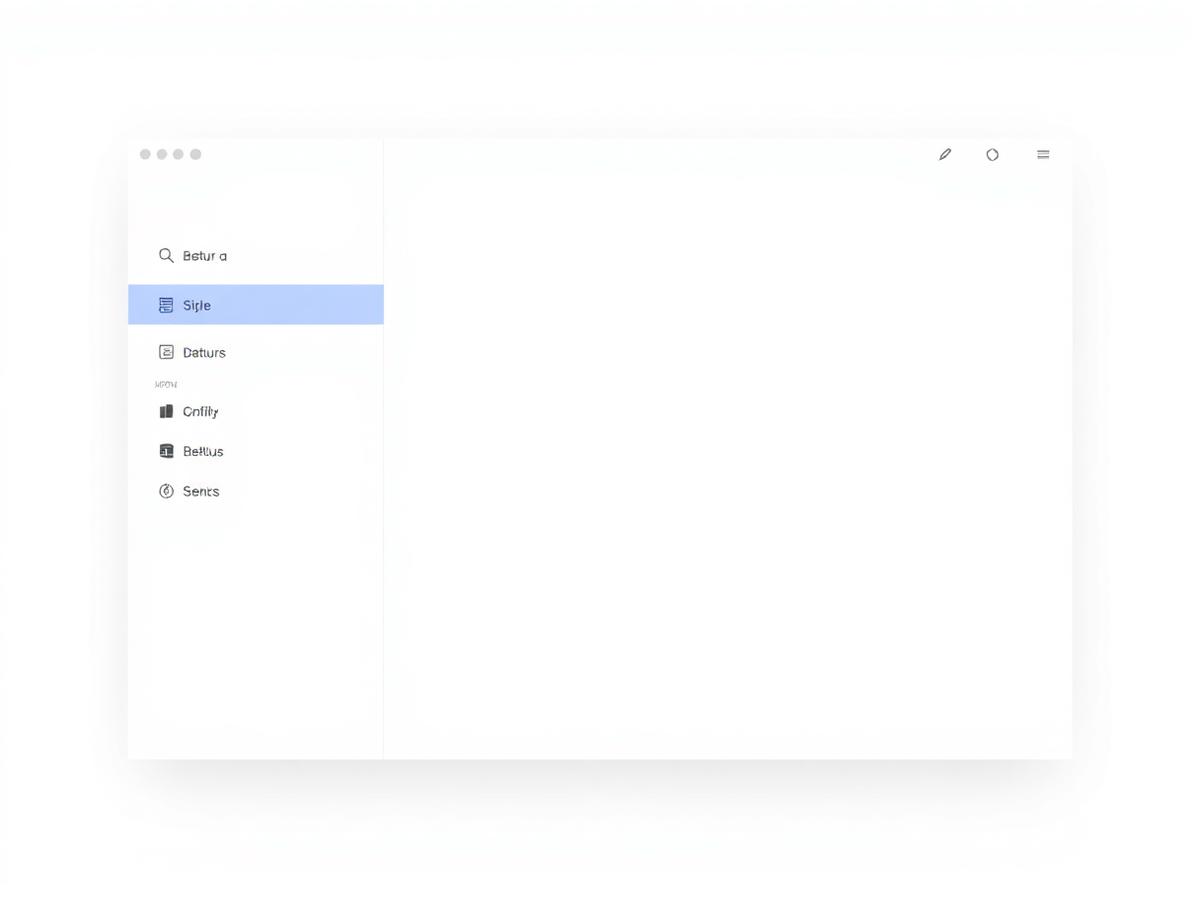
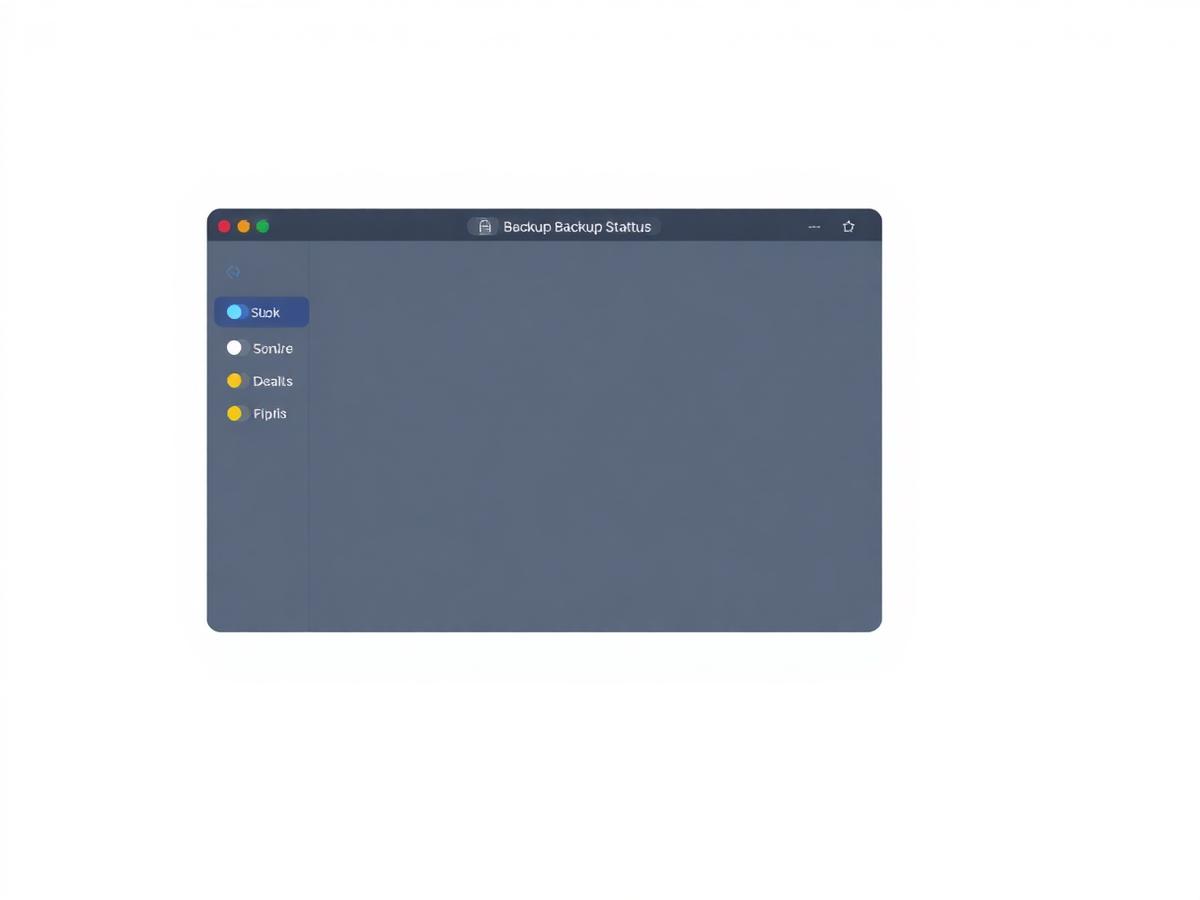
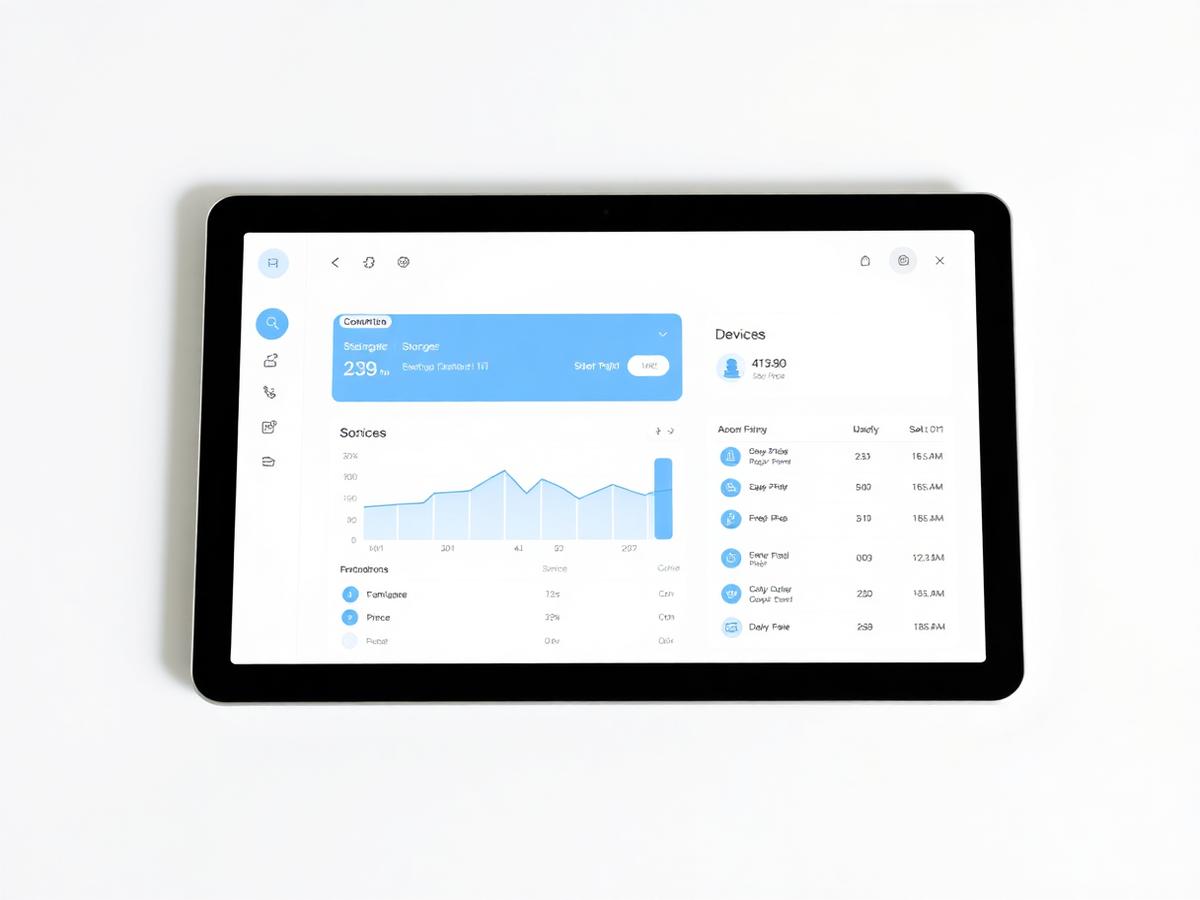
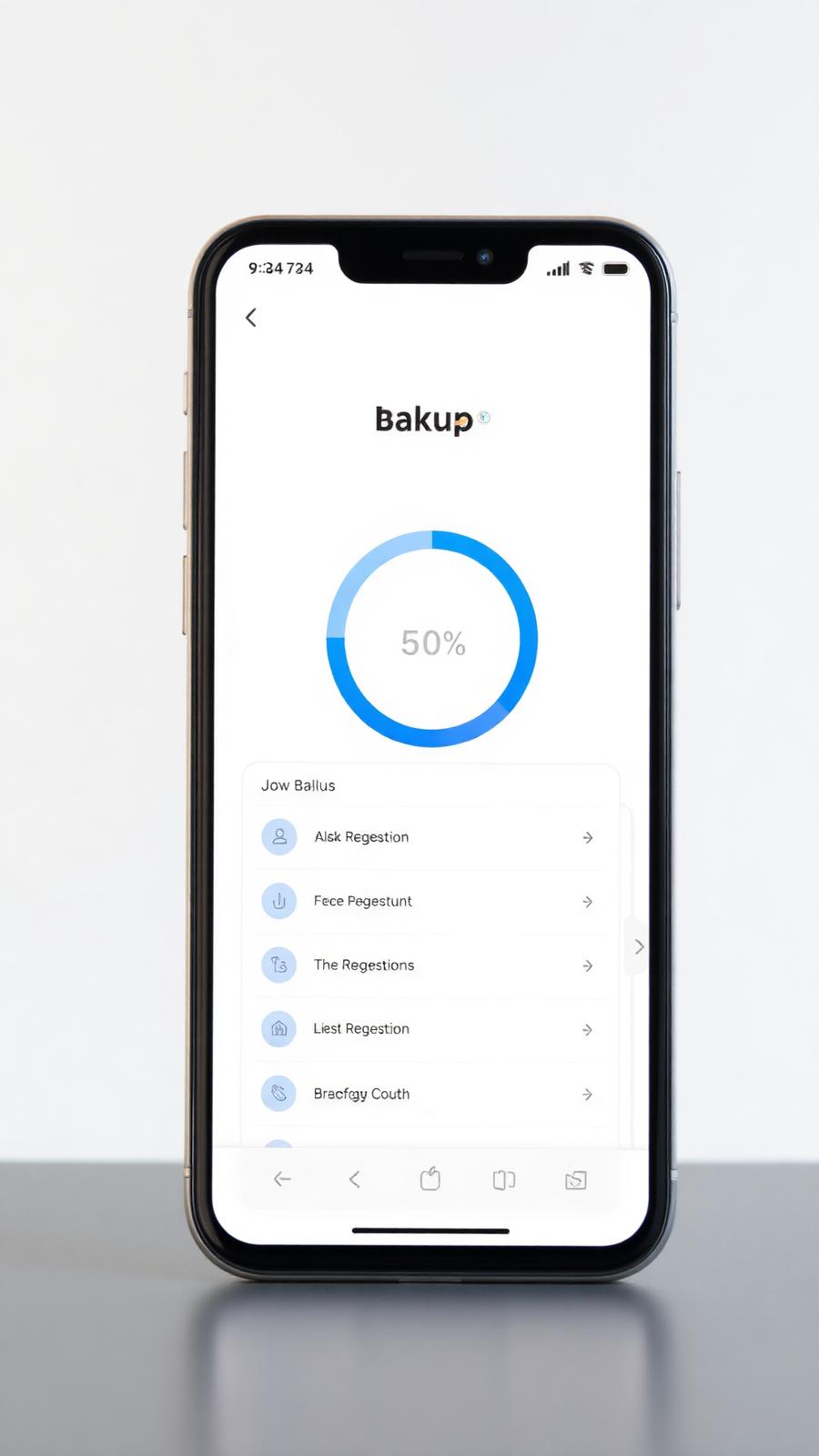
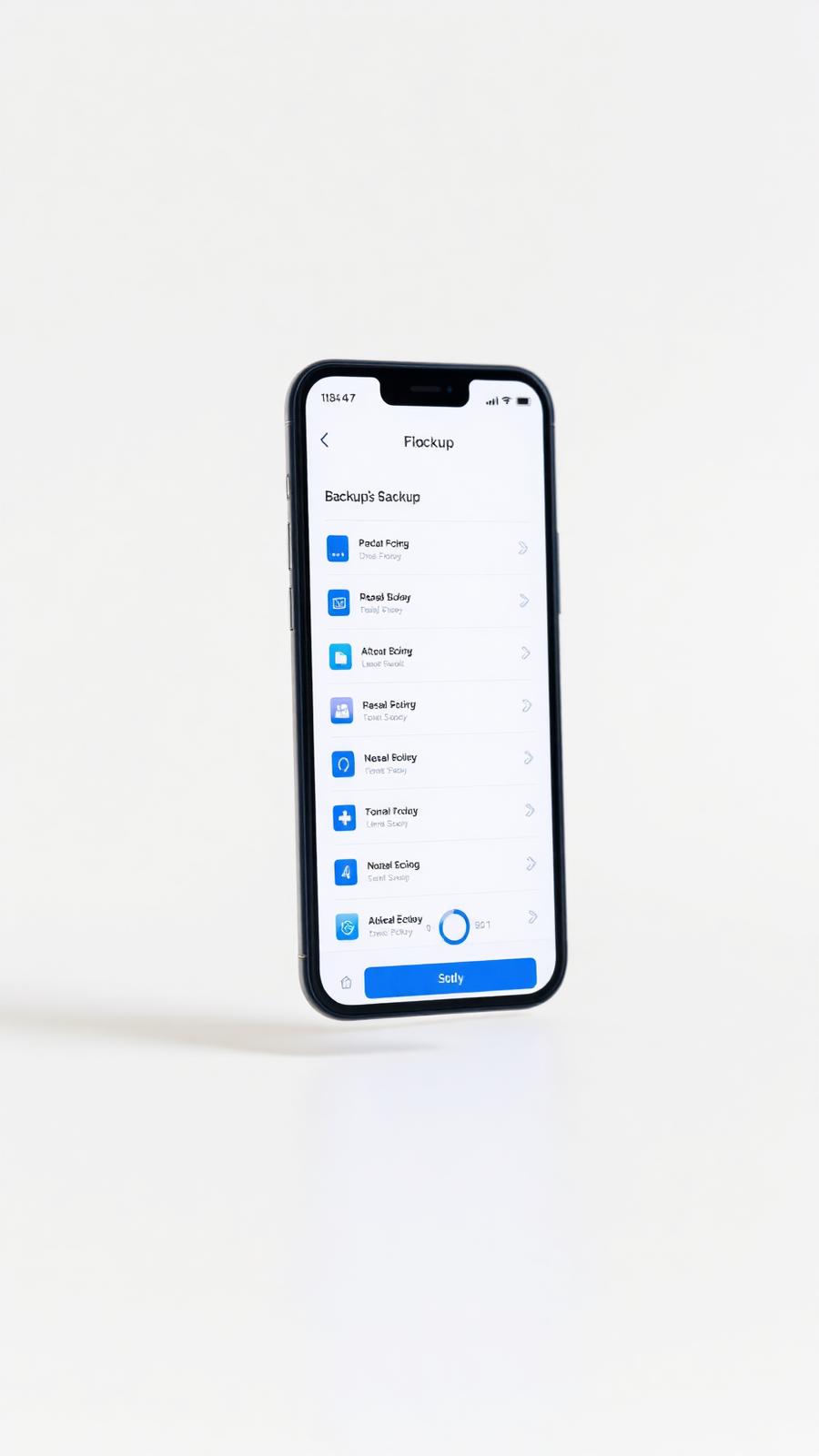
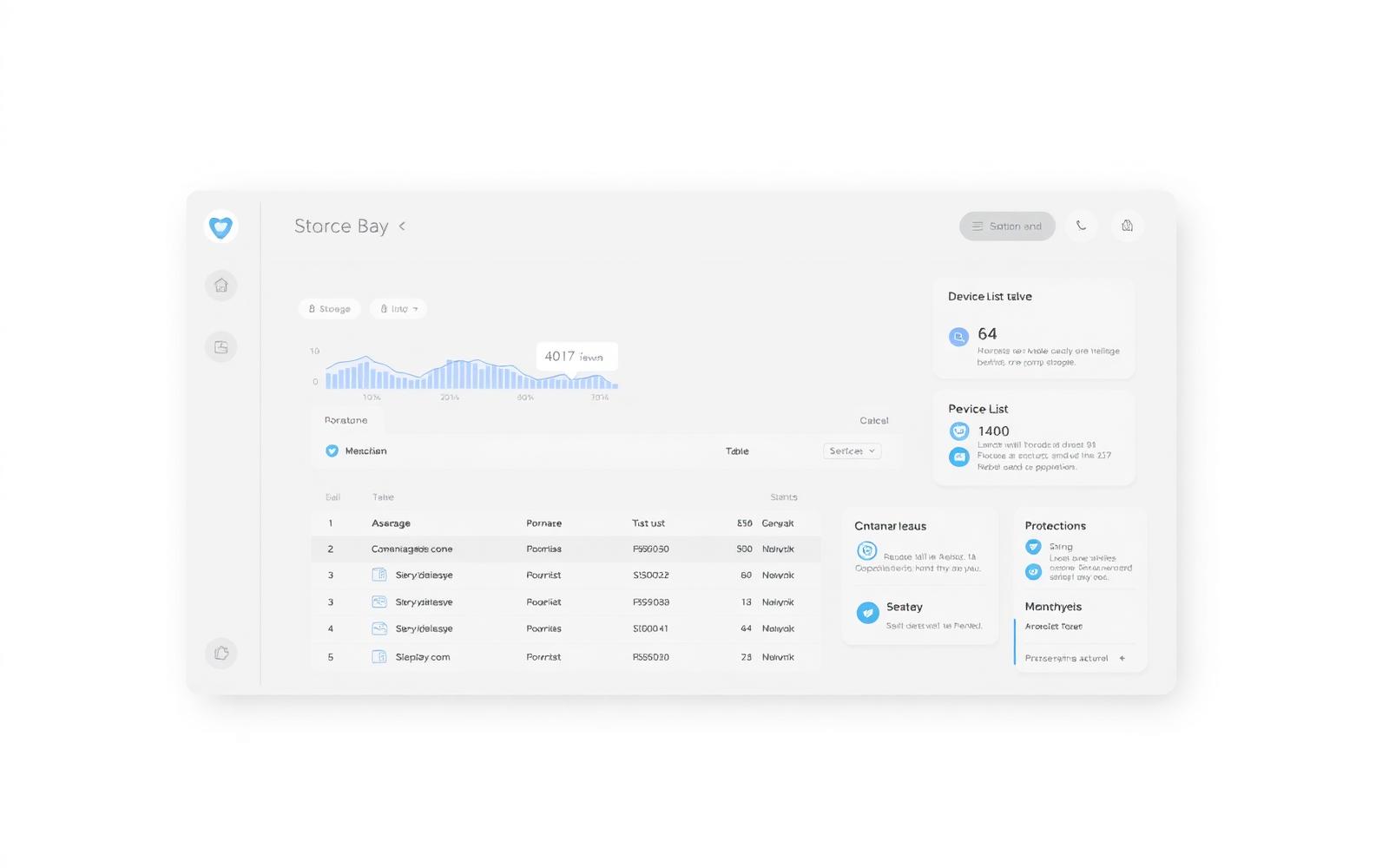
Forget about clicking 'backup now'.
No schedules. No nag prompts. The agent quietly protects new and changed files in the background, using smart bandwidth limits so you barely notice it's running.
Empty-state microcopy: "No protected devices yet — install the agent to bring this device under protection."
Go back to the version that wasn't broken.
Every saved version of every file is preserved for 30 days by default — longer on business plans. Restore a single file to a specific moment in time, or the whole folder, without overwriting what's there.
- Point-in-time restore for any file
- Undelete files for the entire retention window


Recover anything — deleted files, old versions, full folders, entire devices.
Search across every backup with a familiar file-browser view. Preview before you restore. Send recovered files back to the original location or to a fresh device.
A clean copy attackers can't touch.
Cloud Haven keeps immutable restore points that cannot be modified or deleted during their retention window — even by a compromised admin account.

Sudden mass encryption or deletion triggers alerts before damage spreads.

Retention-locked restore points that ransomware can't rewrite.
Roll back to a known-clean snapshot from before the incident.
Time to recovery is what counts.
Parallelized restore streams, regional edge caches, and a recovery wizard that picks the fastest method for the job — single file, folder, or full-device.


Know your backups are healthy — before you ever need them.
Get notified when a device stops backing up, when a restore completes, or when something unusual happens to your files.
- Email and in-app alerts
- Per-device health score
Pay for the data you actually need to keep.
Smart deduplication, compression, and exclusion rules keep storage costs low without you ever opening a settings panel.
- Block-level deduplication
- Per-folder exclusion rules


Onboard your whole team in an afternoon.
Invite teammates by email. Assign them to a policy. Their device is protected the moment the agent finishes installing.
Granular roles for the people who need them.
Owner, Admin, IT, Auditor, Member, Viewer — give people exactly the access their job needs and nothing more.

The audit trail your compliance officer asks for.
Exportable activity logs, retention controls, restore reports and access history — designed to support your compliance efforts, whatever framework you operate under.
Cloud Haven supports compliance efforts. Specific certifications are not claimed on this page.
See exactly what changed, restored, or failed — and when.
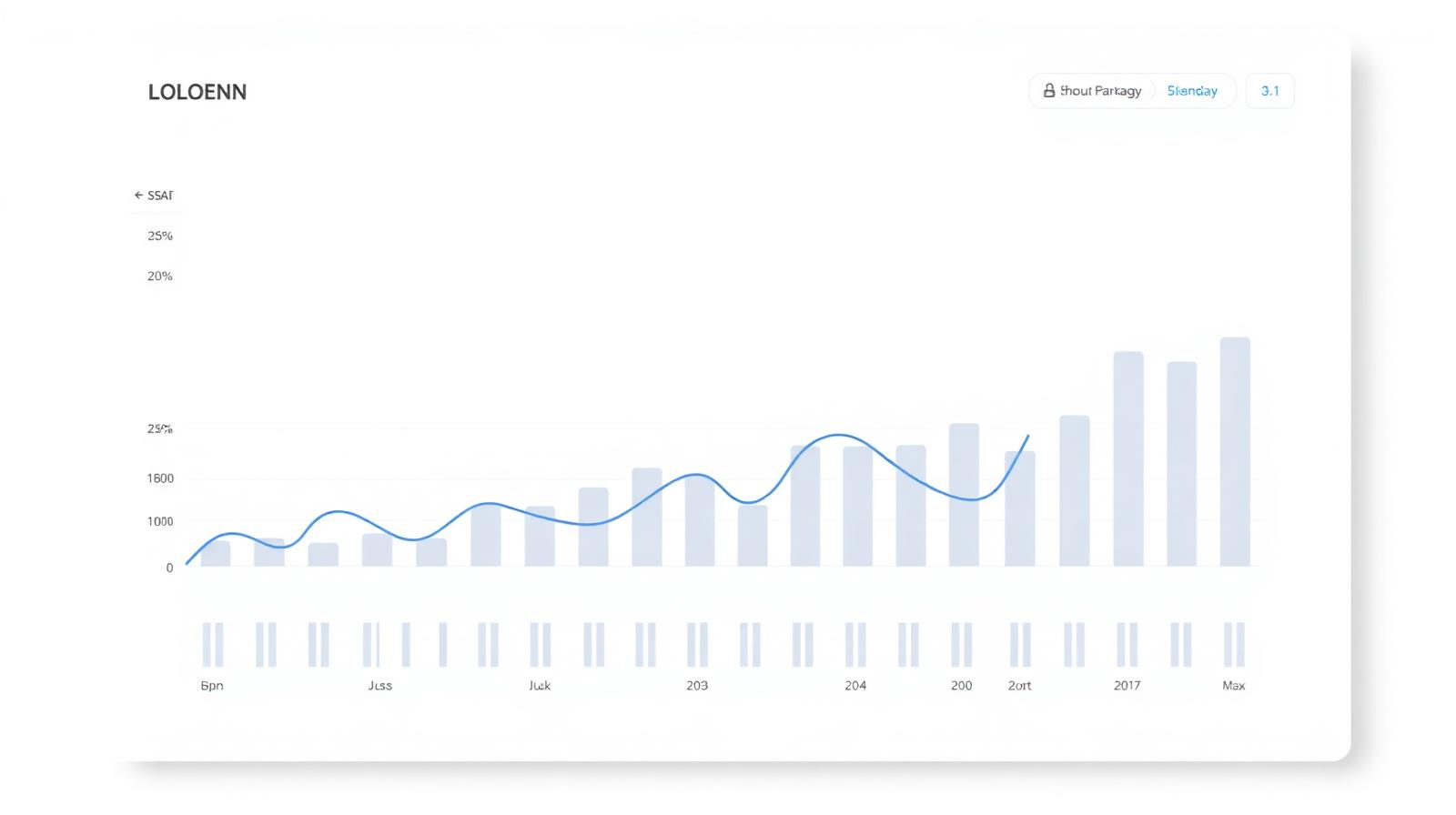
Weekly and on-demand reports show device health, recent restores and policy coverage at a glance. Export to CSV or PDF.
- Per-device protection report
- Full restore audit log
From sign-up to protected in under 10 minutes.

Download the Cloud Haven app for your devices and sign in.

Use a default policy or select folders, drives and apps yourself.

Changes are encrypted and uploaded in the background as you work.

Browse, preview, and restore from any device — in seconds.
What people actually back up with Cloud Haven.

A lifetime of photos — protected from a single device failure.

Tax records, contracts, scans — searchable and recoverable.

Every workstation in the office, protected and centrally managed.
One screen. Every device. Every backup.
Storage trends, device health, recent restores, alerts and policies — at a glance.
People who hoped they'd never need it — and were glad they had it.

"Recovered three weeks of client work in under fifteen minutes after my SSD died. That was the entire ROI of the subscription."

"We rolled it out to thirty workstations in an afternoon. The audit trail alone was worth it."

"I don't think about backups anymore. That's exactly what I wanted."
Security isn't a feature. It's the foundation.
- AES-256 encryption end to end. Your files are encrypted before they leave your device.
- Per-account key isolation — no shared encryption boundary.
- Optional two-factor authentication for every account.
- Immutable retention windows protect against tampering.
Cloud Haven supports compliance efforts but does not claim specific certifications on this page. See the Security page for current detail.
Simple plans. Instant delivery. No refunds.
Choose Personal, Family or Business. All plans include AES-256 encryption, automatic backups and 24/7 monitoring.
Instant delivery after payment. No refunds, except where required by law.
Common questions, answered plainly.

Stop hoping. Start backing up.
Set up Cloud Haven in under ten minutes and never lose another file.
Instant delivery after payment. No refunds.
Backup is the cheapest insurance you'll ever buy.
If you've ever lost a file, you already know the feeling. Cloud Haven makes sure it doesn't happen again — quietly, automatically, on every device you own.